Calculation Spellchecker for Word
Plausibility checks and an equation checker for research results, beside your document. No AI, just verify.
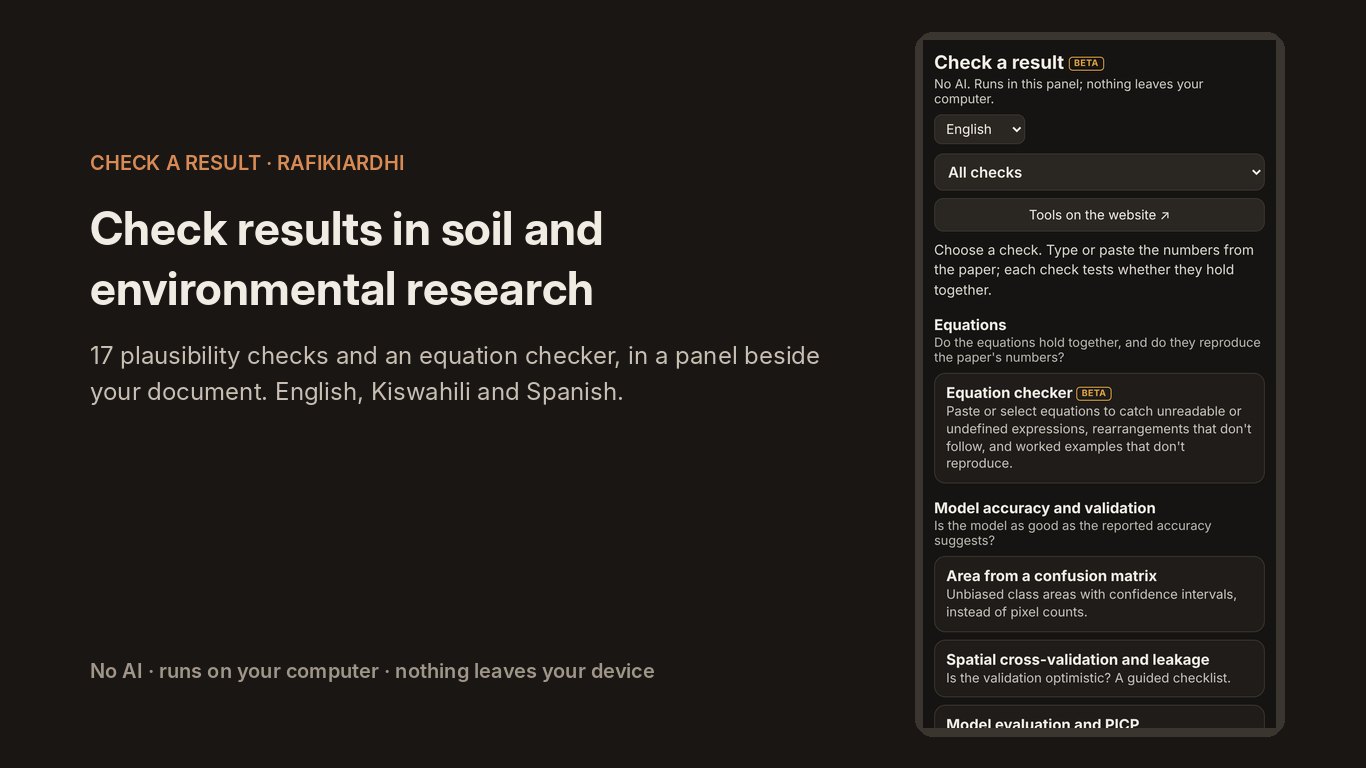
Calculation Spellchecker opens a panel called “Check a result” beside your Word document. It helps authors check their own results before submission, and reviewers check the results in a manuscript. Every check is a transparent calculation, with the working shown and the papers it is based on.
What it does
Free, and with a licence
Free
Always free, for anyone
- The full equation checker, including the whole document
- Every plausibility check, with values you type or paste
- Plots and worked calculations
With a licence
Word add-in: $10 a year · All add-ins: $20 a year, $15 for members, free for contributors
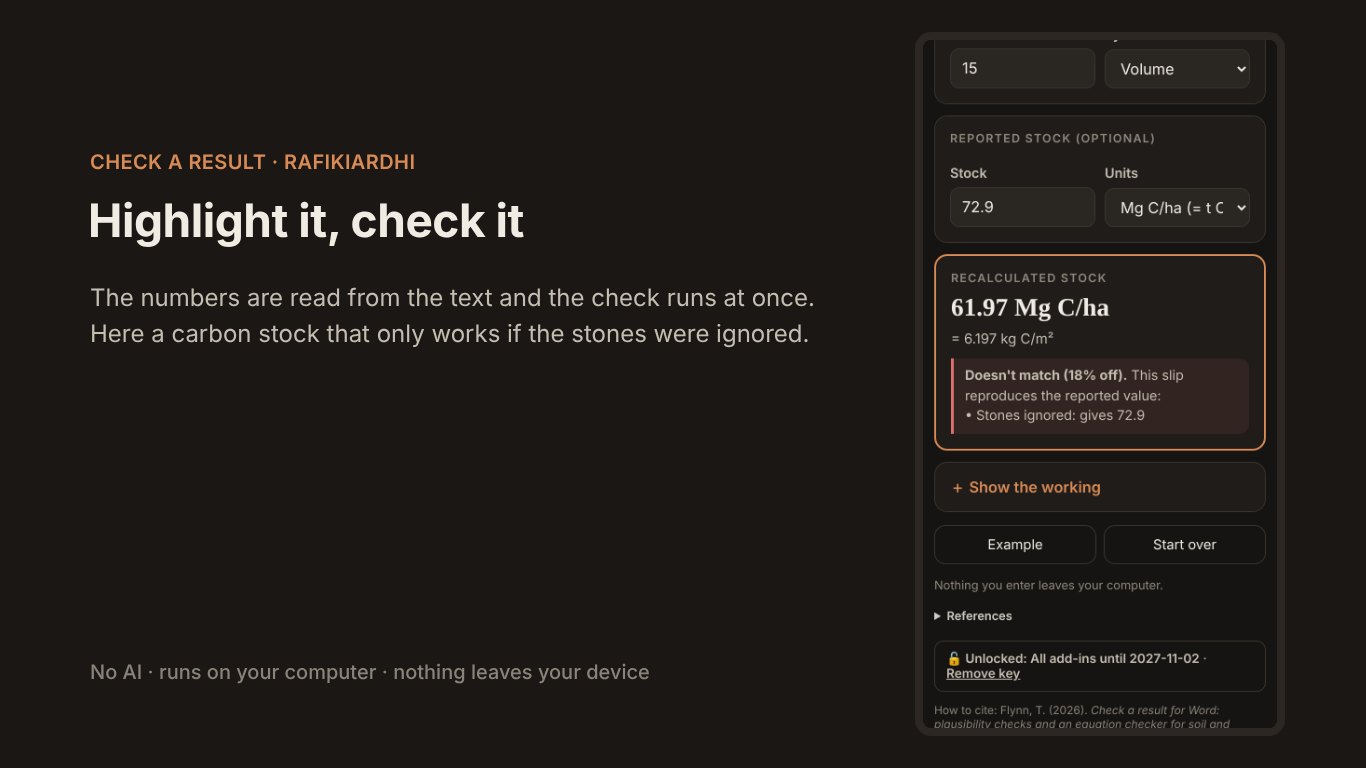
- Check the highlighted text: the numbers in a sentence, paragraph or table are read into the matching check
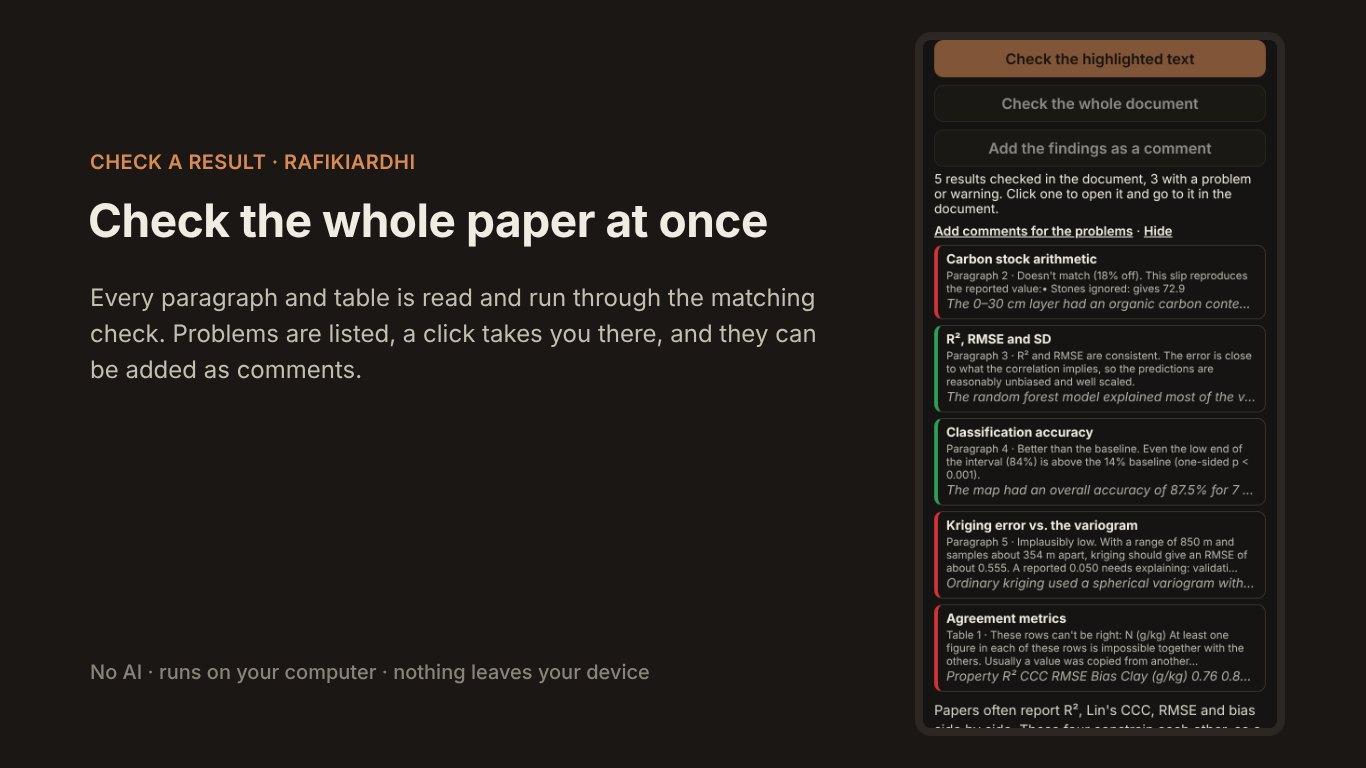
- Check the whole document: every paragraph and table, with problems listed
- Add the findings as comments, and export the results
In detail
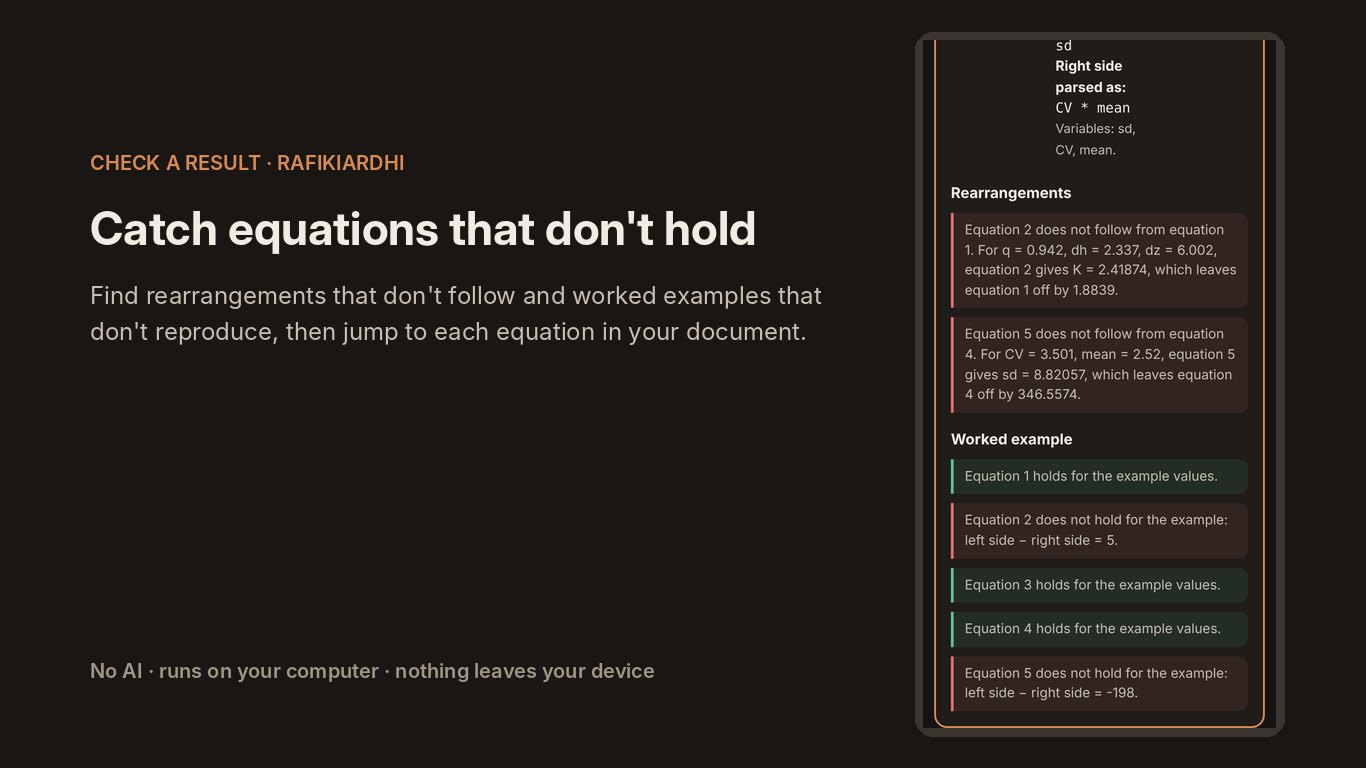
Equation checker. Reads equations typed or pasted into Word, or selected in the document, and catches unreadable or undefined expressions, rearrangements that don’t follow, and worked examples that don’t reproduce the paper’s numbers. It can check every equation at once, colour each one by its result and take you to it.
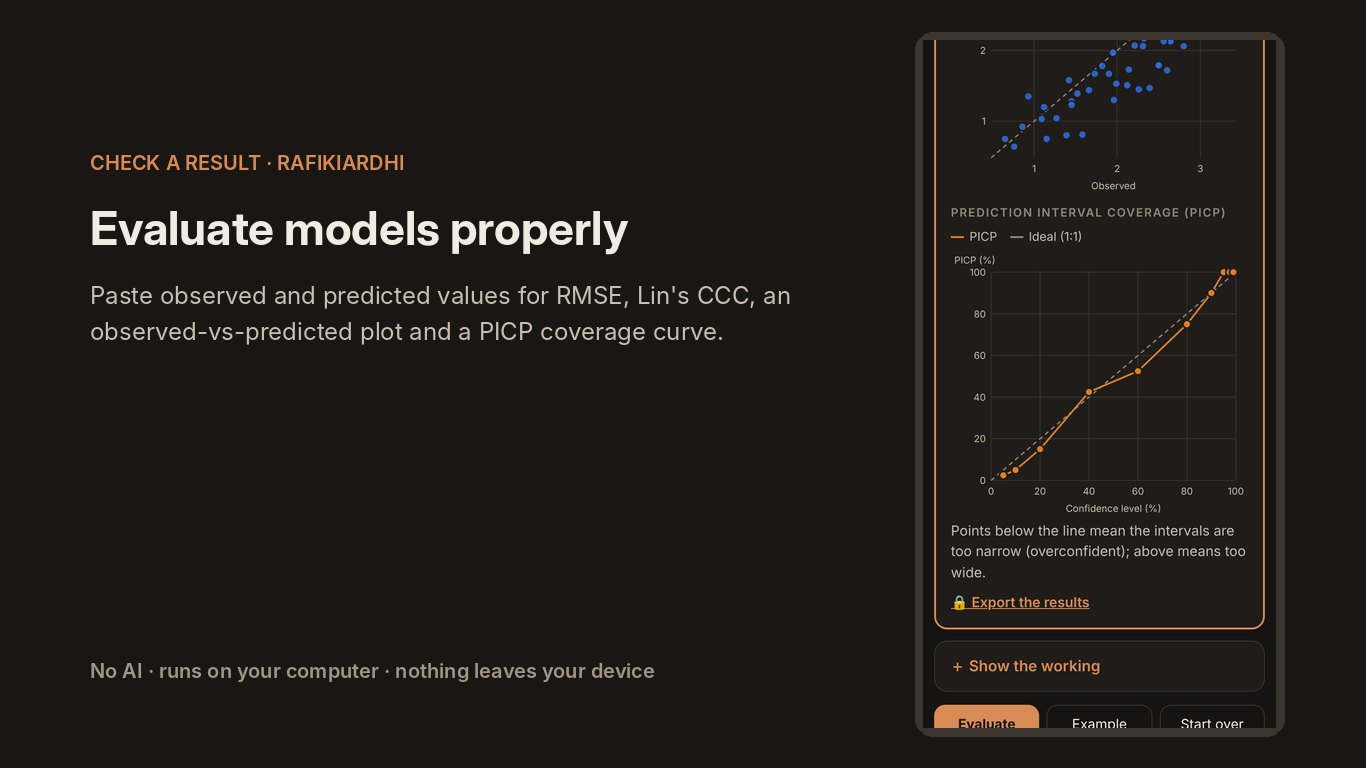
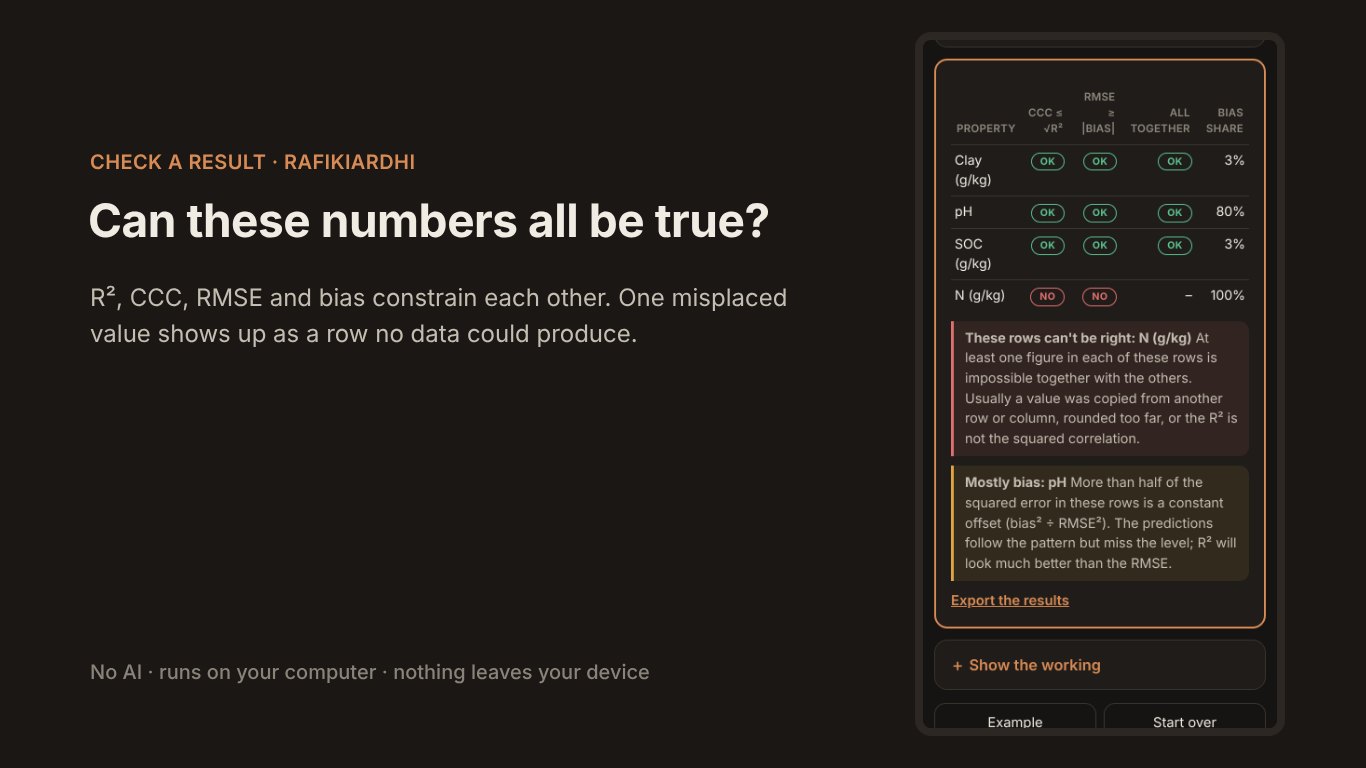
Model accuracy and validation. R² vs. RMSE, agreement metrics (R², CCC, RMSE and bias), classification accuracy, area from a confusion matrix, spatial cross-validation and leakage, and model evaluation with observed-vs-predicted plots and PICP coverage curves.
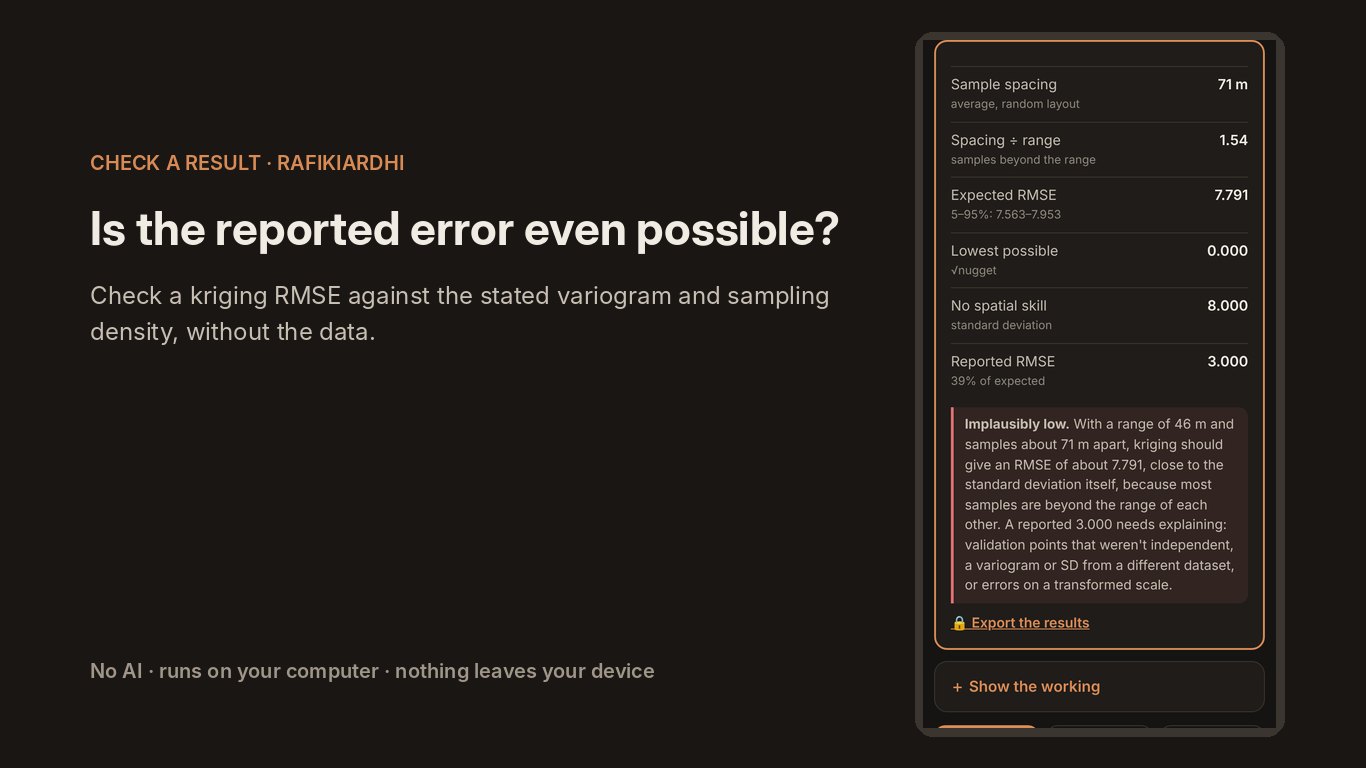
Spatial structure and sampling. Kriging error vs. the variogram, samples needed for a map, detectable change, effective sample size, and the right pixel size.
Data and units. Carbon stock arithmetic, back-transformation from the log scale, lab method conversions, and coordinates and distances.
Study design. Guided checks for independence, statistical assumptions and model comparison.
Good to know
- Needs: Word on Windows or a Mac, or Word on the web.
- Languages: English, Kiswahili and Spanish.
- User guide: how to install, open and use each part of the add-in, in a 3-page PDF.
- Private: everything runs on your computer; only a licence key is checked with our members service. See the privacy policy.
- How to cite: Flynn, T. (2026). Check a result for Word: plausibility checks and an equation checker for soil and environmental results [Word add-in]. RafikiArdhi. https://doi.org/10.5281/zenodo.23813041